

Student Loan Benefits
This guide explains how to manage student loan-related benefits for Employer Name Ltd. for the current tax year.
1. The Student Loan Benefits Overview
This screen tracks specific taxable perks provided by your employer regarding student loan repayments that have been processed through the payroll system.
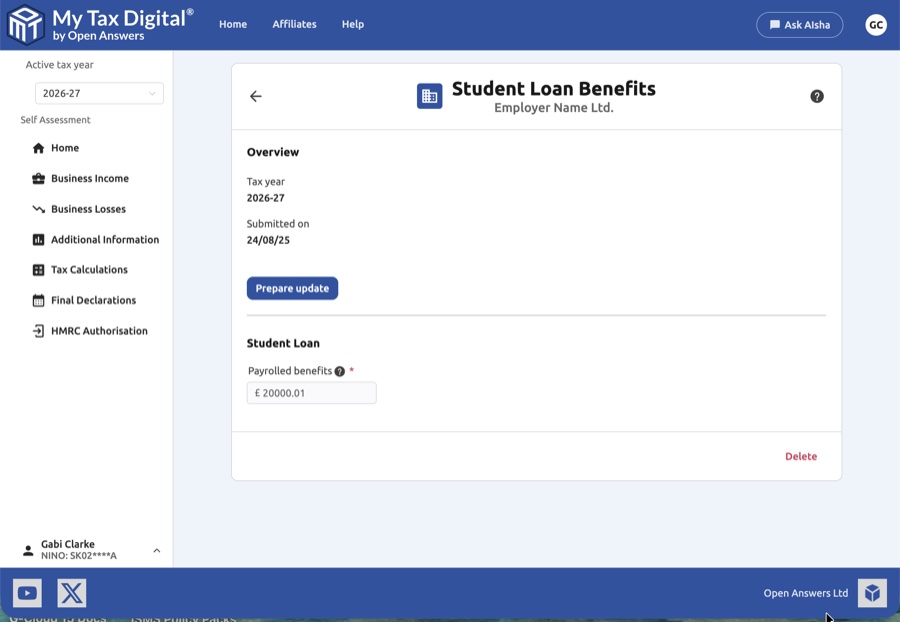
- Tax Year Context: The active tax year
- Submission Tracking: View the last Date submitted (e.g., 24/08/25) to confirm your records are up to date.
- Prepare Update: Click this button to unlock the financial fields for editing.
- Delete: Use the red Delete link at the bottom of the overview to remove all student loan benefit data for this specific employer.
2. Recording Payrolled Benefits
This section is strictly for benefits in kind (perks) rather than standard salary deductions.
| Field | Description |
|---|---|
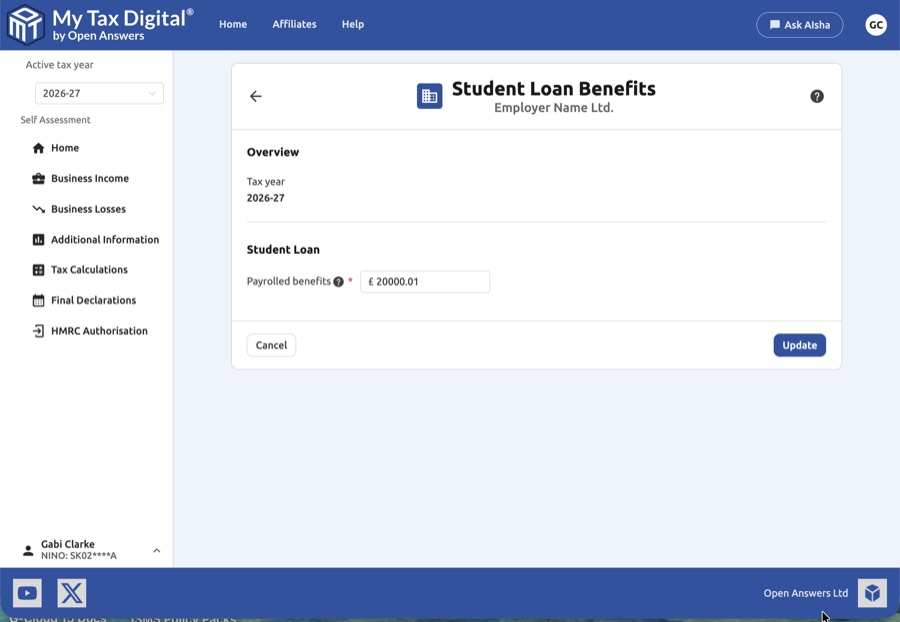
| Payrolled benefits | The total taxable value of any student loan payments made by your employer on your behalf that were processed through the payroll. |
- Important Note: Standard student loan repayments deducted from your salary are recorded under the "Deductions" section in the main Financial Details file (SA102 Box 5 for undergraduate loans, Box 6 for postgraduate loans). This field is specifically for employer-subsidised benefits.
- Help Tooltip: Click the (?) icon next to the field to access HMRC-specific guidance on what qualifies as a "payrolled student loan benefit."
3. Finalising the Update
Once you have verified the figures against your P11D or pay statements:
- Submit / Update:
- If this is your first submission for student loan benefits this year, the button will be labeled Submit.
- If you are modifying existing records, the button will be labeled Update.
- Cancel: Discard your current edits and return to the employer-specific home page.


